Roles and Access
DevsPortal controls who can do what, and where, through role-based access control. This page is the team admin's working guide to that model: how access is expressed, the common role tiers, how to scope them to a team, and how to add fine-grained conditions when you need them.
DevsPortal is built on the Control Plane Operator engine. The authorization
resources — AuthzRole, AuthzRoleBinding, and their cluster-scoped siblings
ClusterAuthzRole / ClusterAuthzRoleBinding — and the occ CLI are unchanged engine
internals. Examples target the Fedshi instance.
View and grant roles from the portal's Settings → Access Control tab; the occ/YAML form below is for scripting, review, and GitOps. The sections below explain the model — see Managing access in the console for the click-path and Managing access with the CLI for the equivalent commands.
The model in four words
Every access decision answers four questions:
- Subject — who is asking.
- Action — what they want to do.
- Scope — where in the hierarchy it applies.
- Condition — under what circumstances (optional).
You grant access by defining a role (a named set of actions) and creating a role binding (which attaches that role to a subject at a scope, with an optional condition and an allow/deny effect).
Subjects
A subject is an identity, matched by entitlements — claim/value pairs pulled from the caller's login token. The most useful is the group claim, because binding to a group means new team members inherit access automatically:
groups:checkout-team— anyone in the checkout team's groupemail:alice@fedshi.com— one specific personsub:user-abc-123— one specific account
Always prefer group bindings for teams. Per-person bindings are for narrow exceptions.
Where the group claim comes from
The groups claim isn't defined in DevsPortal — it's minted by your identity
provider (on the Fedshi instance, ThunderID) and carried in the login token. So a
"team" is really two cooperating pieces:
- A group in the IdP — the membership list. Adding a person to the IdP group is what
puts the matching value in their
groupsclaim at next login. - A role binding here — the entitlement above, which maps that claim value to a role and a scope.
Authentication ≠ authorization: a user who signs in but belongs to no group lands with no permissions until a binding matches one of their claims.
The IdP group is what drives permissions. The portal also shows catalog Group
entities under Catalog → Groups (e.g. the seeded openchoreo-users) — those are
ownership/display metadata and grant no access on their own. They can be auto-mirrored
from the IdP (see
Identity & SSO),
but a binding's entitlement always reads the token's claim, never the catalog. Always
bind to the IdP group.
Creating a new team, end to end
- Create the group in the IdP and add members — on Fedshi, in the ThunderID
console (Groups → New). Seeded groups already exist (
admins,developers,platform-engineers,sres); name a new one for the team, e.g.checkout-team. - Bind it to a role at a scope — create the
AuthzRoleBinding(project-scoped) orClusterAuthzRoleBinding(cluster-wide) whoseentitlementmatchesclaim: groups, value: checkout-team, as shown under Roles and bindings. - Members re-login — the new token carries
groups: checkout-teamand the binding takes effect.
For the seeded tiers you can skip steps 1–2 entirely: just add the person to the existing
developers / admins group, whose bindings ship with the platform.
Actions
Actions follow resource:verb, e.g. component:create, project:view, logs:view. They
support wildcards — component:* (all component verbs) and * (everything). The full
catalog of actions spans components, releases, bindings, workflows, observability
(logs:view, metrics:view, traces:view), and the platform resources; the complete list
is in the upstream authorization reference.
The scope hierarchy
Resources nest, and scope follows the nesting:
Cluster
  └── Namespace
        └── Project
              └── Component
A binding's scope says how far down its permissions reach. Permissions cascade
downward, never upward.
| Scope | How to set it | Reaches |
|---|---|---|
| Cluster-wide | omit scope on a ClusterAuthzRoleBinding | everything |
| Namespace | scope.namespace: fedshi | the namespace and all its projects/components |
| Project | scope.namespace: fedshi, scope.project: checkout | one project and its components |
| Component | …scope.component: cart-api | one component |
The effective permission is the intersection: the role must grant the action and the
target must fall within the scope. A developer role scoped to checkout lets a user
manage components only in checkout, even if the role lists actions for other resources.
Roles and bindings
A role lists actions. A binding ties a subject to one or more roles, each with its
own scope (and optional conditions), plus an effect of allow (default) or deny.
apiVersion: openchoreo.dev/v1alpha1
kind: AuthzRole
metadata:
  name: developer
  namespace: fedshi
spec:
  actions:
    - project:view
    - component:*
    - workload:*
    - componentrelease:view
    - componentrelease:create
    - releasebinding:*
    - workflowrun:*
    - logs:view
    - metrics:view
    - traces:view
    - component:exec
---
apiVersion: openchoreo.dev/v1alpha1
kind: AuthzRoleBinding
metadata:
  name: checkout-team-developer
  namespace: fedshi
spec:
  entitlement:
    claim: groups
    value: checkout-team
  roleMappings:
    - roleRef:
        kind: AuthzRole
        name: developer
      scope:
        project: checkout
  effect: allow
Allow vs deny
A request is allowed only if at least one matching binding says allow and no
matching binding says deny. A single deny wins — even over a broader allow, and even
across kinds (a namespace deny overrides a cluster allow). Use deny sparingly, as a
targeted exception: e.g. grant developer across the fedshi namespace but deny it on a
sensitive payments-secrets project.
Authorization is fail-closed: if a binding can't be evaluated cleanly, allow won't
grant and deny still denies. Misconfiguration never silently widens access.
Common role tiers
Three tiers cover most teams. Bind each to the team's group at the appropriate scope.
| Tier | Intent | Typical actions | Typical scope |
|---|---|---|---|
| Viewer | Read-only situational awareness | *:view, logs:view, metrics:view, traces:view | namespace-wide (so they can see neighbors) |
| Developer | Build, deploy, operate own components | component:*, workload:*, releasebinding:*, workflowrun:*, component:exec, observability views | the team's project(s) |
| Admin | Everything a developer can do, plus manage the team's access | developer actions + authzrole:*, authzrolebinding:* | the team's project(s) / namespace |
You can seed these from the Developer / Viewer / Admin quick-start templates in the Access Control UI and tweak from there.
Conditions: access under circumstances
Conditions add attribute-based control (ABAC) on top of RBAC, written in CEL. The classic use: let a developer manage release bindings except in production, and read logs only in non-prod.
apiVersion: openchoreo.dev/v1alpha1
kind: AuthzRoleBinding
metadata:
  name: checkout-team-developer
  namespace: fedshi
spec:
  entitlement:
    claim: groups
    value: checkout-team
  roleMappings:
    - roleRef:
        kind: AuthzRole
        name: developer
      scope:
        project: checkout
      conditions:
        - actions:
            - releasebinding:create
            - releasebinding:update
            - releasebinding:delete
          expression: 'resource.environment != "fedshi/production"'
        - actions:
            - logs:view
          expression: 'resource.environment in ["fedshi/development", "fedshi/staging"]'
  effect: allow
Here, the team can deploy and promote freely up to staging but cannot mutate the production
binding, and their log access is limited to non-prod — while every other action the role
grants stays unrestricted. Multiple conditions on one action group combine with OR.
Conditions can only reference attributes registered for the actions they gate (today,
resource.environment on release-binding and observability actions).
This is the mechanism behind much of governance and guardrails — gates expressed as policy, not as manual approvals.
Managing access in the console
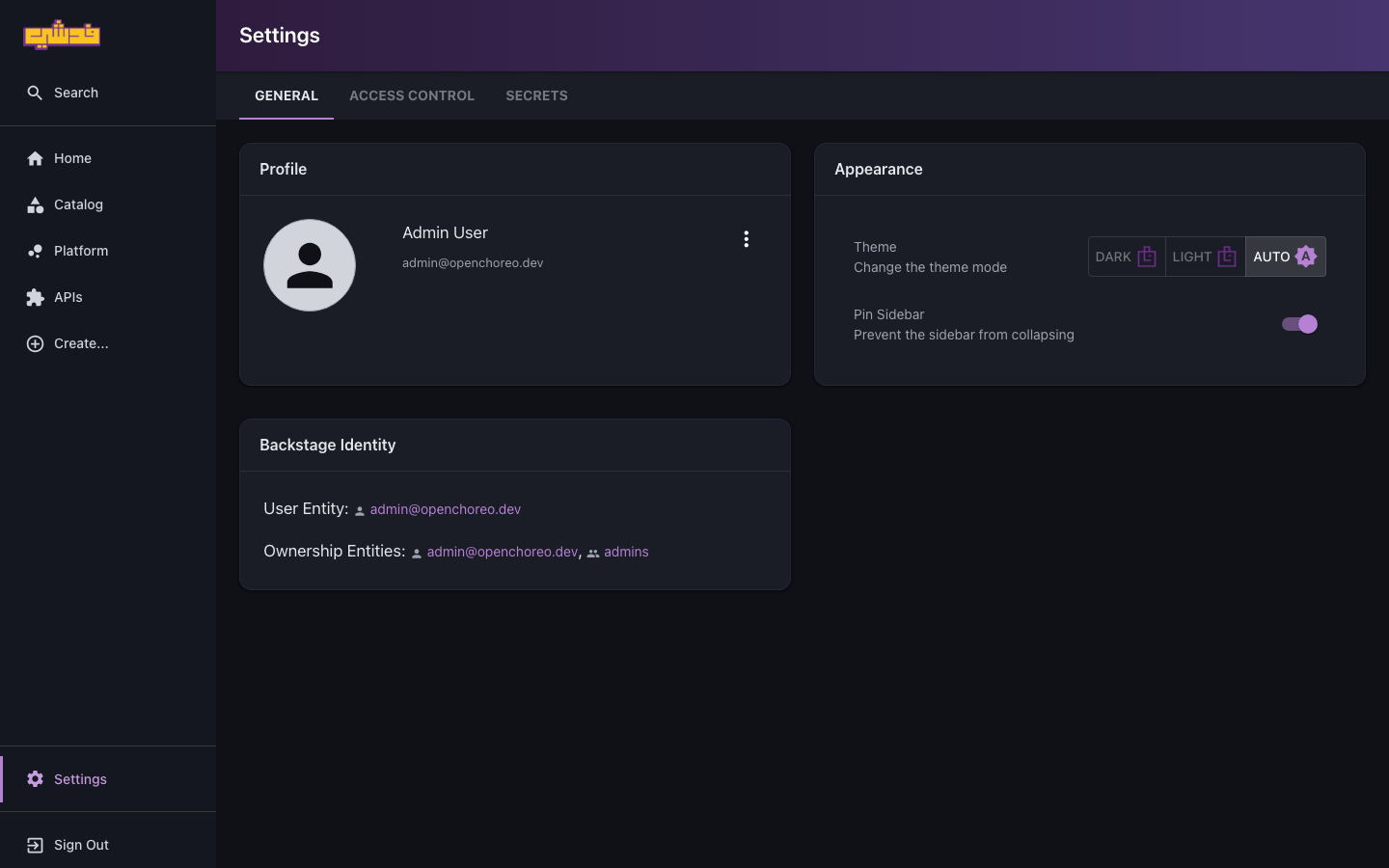
The portal is the primary way to view and grant roles — you don't have to write YAML. Open Settings from the left nav, then the Access Control tab (alongside General and Secrets):
- Roles — create cluster or namespace roles; pick a quick-start template, name the
role, and select actions with the grouped action picker (
component:*,*, etc.). - Role Bindings — a step-by-step wizard: choose the subject (the group claim), add role-scope mappings, attach conditions inline (with a CEL editor and attribute chips), pick allow/deny, name it, and review.
- Actions — browse every action to decide what a role should include.
Managing access with the CLI
occ authzrole list -n fedshi
occ authzrole get developer -n fedshi
occ authzrolebinding list -n fedshi
occ authzrolebinding get checkout-team-developer -n fedshi
occ apply -f developer-role.yaml          # create/update from YAML
Cluster-scoped equivalents: occ clusterauthzrole … and occ clusterauthzrolebinding ….
Good practices
- Bind to groups, scope to projects. New joiners get access by joining the group; the blast radius stays inside the team's project.
- Start from the three tiers, refine later. You can edit a role without recreating bindings.
- Reach for conditions before deny. Express "no prod mutations" as a condition on the developer role rather than a separate deny binding.
- Keep production special. Gate prod release-binding mutations with a condition for most of the team; grant unconditioned access only to those who operate prod.
What's next
- Onboard a team — where these roles and bindings get created.
- Governance and guardrails — policy that keeps teams on golden paths.
- Ownership model — the complementary "who owns what" in the catalog.