Authorization
DevsPortal controls who can do what, and where, through role-based access control. You define an AuthzRole (a named set of actions) and create an AuthzRoleBinding (which attaches that role to a subject at a scope, with an optional condition and an allow/deny effect). Both have cluster-scoped variants for platform-wide grants.
| API group | openchoreo.dev/v1alpha1 |
| Audience | Platform engineer / admin |
| Scope hierarchy | Cluster → Namespace → Project → Component (permissions cascade downward) |
AuthzRole
A role lists permitted actions in resource:verb form (e.g. component:create,
logs:view), with wildcards (component:*, *). A ClusterAuthzRole is the cluster-scoped
variant.
| Kind | AuthzRole / ClusterAuthzRole · Scope Namespaced / Cluster |
| Field | Description |
|---|---|
spec.actions[] | The permitted actions (resource:verb, wildcards allowed) |
apiVersion: openchoreo.dev/v1alpha1
kind: AuthzRole
metadata:
  name: developer
  namespace: fedshi
spec:
  actions:
    - project:view
    - component:*
    - workload:*
    - releasebinding:*
    - workflowrun:*
    - logs:view
    - component:exec
AuthzRoleBinding
A binding ties a subject (matched by an entitlement claim from the login token) to one or
more roles, each with its own scope and optional CEL conditions, plus an allow/deny effect.
A ClusterAuthzRoleBinding grants cluster-wide.
| Kind | AuthzRoleBinding / ClusterAuthzRoleBinding · Scope Namespaced / Cluster |
| Field | Description |
|---|---|
spec.entitlement.claim / value | The token claim/value that identifies the subject (prefer groups) |
spec.roleMappings[].roleRef | The role granted (kind, name) |
spec.roleMappings[].scope | How far the grant reaches (namespace, project, component) |
spec.roleMappings[].conditions[] | Optional CEL conditions (e.g. forbid prod mutations) |
spec.effect | allow (default) or deny — a single matching deny wins |
apiVersion: openchoreo.dev/v1alpha1
kind: AuthzRoleBinding
metadata:
  name: checkout-team-developer
  namespace: fedshi
spec:
  entitlement:
    claim: groups
    value: checkout-team
  roleMappings:
    - roleRef:
        kind: AuthzRole
        name: developer
      scope:
        project: checkout
      conditions:
        - actions: [releasebinding:create, releasebinding:update, releasebinding:delete]
          expression: 'resource.environment != "fedshi/production"'
  effect: allow
Authorization is fail-closed: a binding that can't be evaluated cleanly never widens access.
Create in the portal
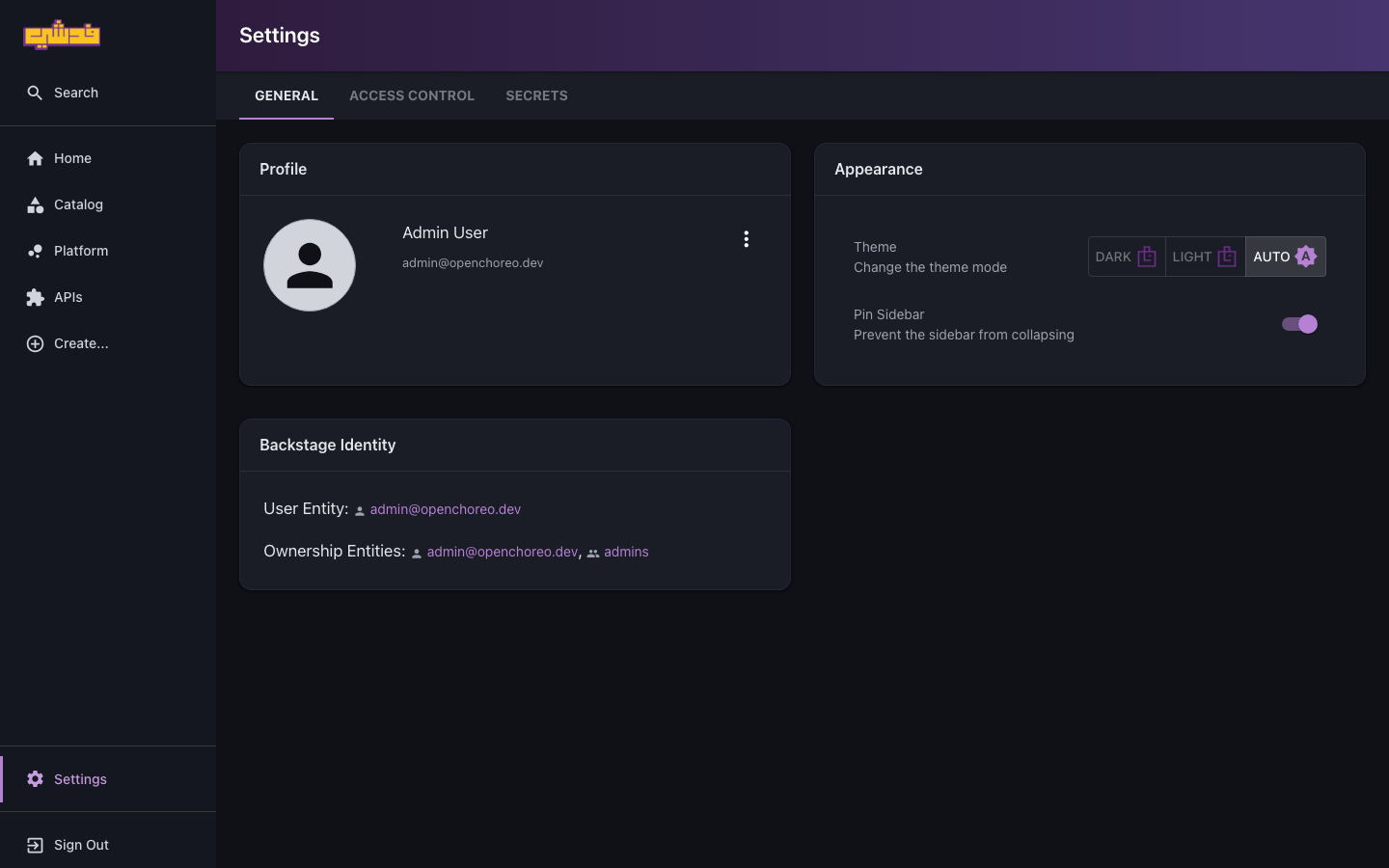
Roles and bindings are managed from Settings → Access Control, not the Create… page:
- Open Settings from the left nav, then the Access Control tab.
- Roles — create a cluster or namespace role; pick a quick-start template (Developer / Viewer / Admin) and select actions with the grouped picker.
- Role Bindings — run the wizard: choose the subject (the IdP group claim, e.g.
checkout-team), add role-scope mappings, attach optional CEL conditions, pick allow/deny, and review.
Full guide: Roles and access.
See also
- Roles and access (working guide) — subjects, scopes, conditions, the common role tiers.
- Ownership model — the complementary "who owns what" in the catalog.
- Upstream field-level API reference.